
The short answer
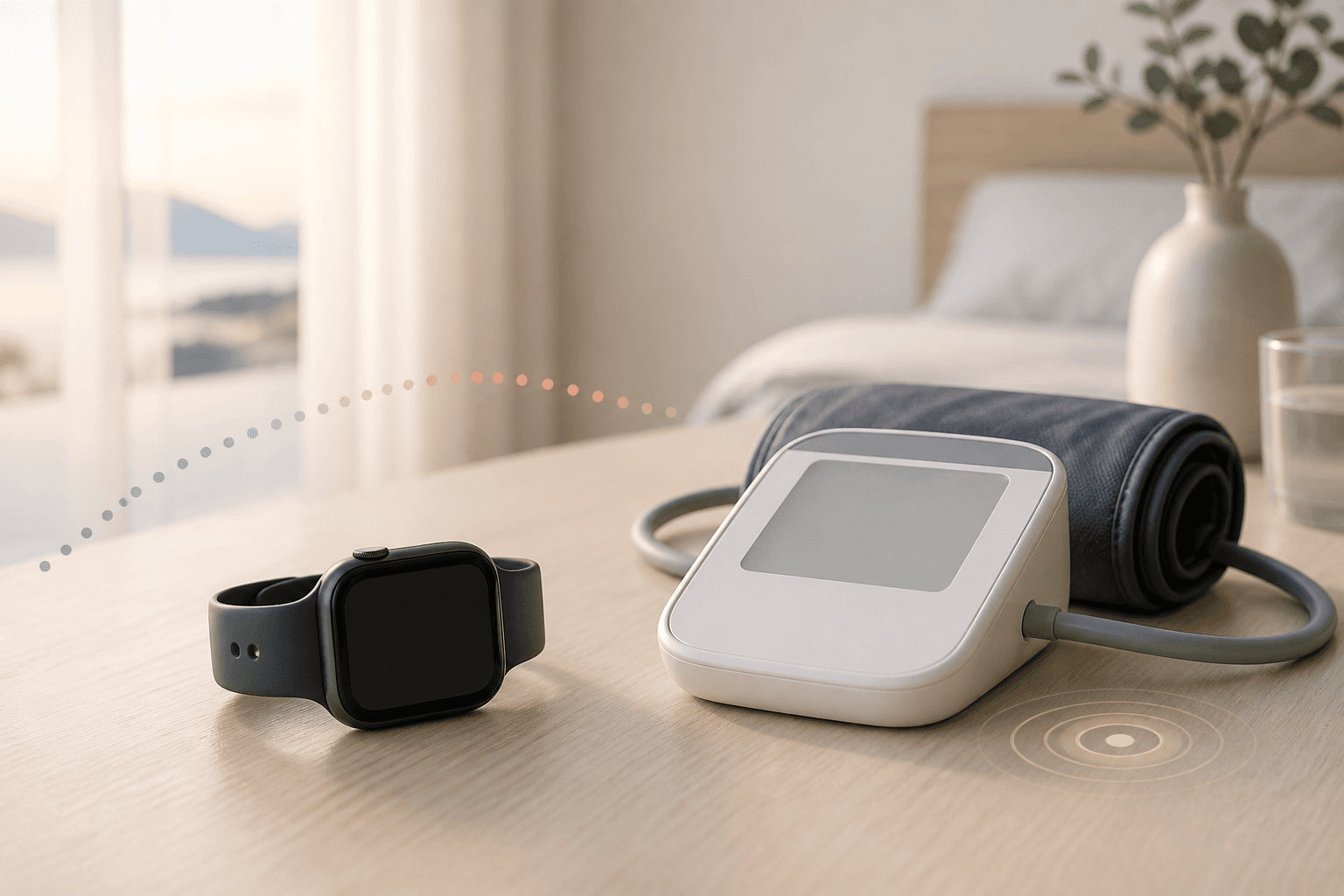
Apple Watch alone cannot measure systolic and diastolic blood pressure in mmHg. Hypertension notifications report that 30 days of pulse data contain patterns associated with hypertension. If you receive one, record home blood pressure using an arm-cuff monitor and share the readings with a clinician.
Key points
- Apple Watch does not display systolic and diastolic blood pressure readings
- The notification identifies features associated with hypertension in 30 days of pulse data
- Actual blood pressure is measured with a cuff-based monitor
- After a notification, record twice daily for seven days as a guide and consult a clinician
- No notification does not rule out hypertension
First, a notification is not a blood pressure measurement
Blood pressure is the force of blood against artery walls. A conventional monitor inflates a cuff around the arm and displays systolic and diastolic pressure in mmHg.
Hypertension notifications analyse the pulse waveform recorded by Apple Watch. They do not measure your current pressure or display a reading such as 138/86 mmHg.
- Hypertension notifications: examine 30 days of pulse data for features suggesting possible hypertension
- An arm-cuff monitor: displays systolic and diastolic pressure at the time of measurement
- Blood Pressure in Health: a place to save and review measurements from a blood pressure monitor
How does it identify patterns of hypertension?
Apple Watch shines light into the skin to detect changes in the pulse, a method called photoplethysmography (PPG). When notifications are enabled, the feature automatically analyses these data over 30 days to assess how blood vessels respond to heartbeats.
It is not an on-demand test started by pressing a button. The Japanese instructions for use specify at least 14 days of waking data within each 30-day assessment period. Insufficient data may prevent the feature from determining whether to send a notification.
Movement and how you wear the watch can affect data collection. Wrist tattoos and reduced skin blood flow in cold conditions may also affect it.
Compatible devices and eligibility
The main conditions Apple listed as of August 2026 are below. Availability and requirements can change, so check Apple’s current information when setting it up.
- Apple Watch Series 9 or later, or Apple Watch Ultra 2 or later
- The latest watchOS version
- iPhone 11 or later with the latest iOS version
- Wrist Detection enabled on Apple Watch
- Age 22 or older
- No previous diagnosis of hypertension
- Not currently pregnant
What to do after a notification
Read what the notification means
It reports features associated with hypertension in the preceding 30 days of pulse data. It does not show current blood pressure or urgency.
Use an upper-arm cuff monitor
Measure actual pressure with a home blood pressure monitor that uses an arm cuff. If you are unsure which to choose, ask a clinician or pharmacist.
Record twice a day for seven days
You can start recording in iPhone Health → Browse/Search → Heart → Blood Pressure. Apple’s guidance is to measure twice daily, around after waking and before bed, for seven days.
Keep measurement conditions similar
The Japanese Society of Hypertension advises an arm monitor, using the toilet first, resting in a chair for one or two minutes, and measuring morning and evening. Follow different instructions if provided by your clinician or the monitor’s manual.
Show the notification and readings to a clinician
Do not draw conclusions from the notification alone; bring your home readings too. Do not start or stop medication on your own.
Does no notification mean everything is fine?
No notification does not rule out hypertension. Apple explains that the feature does not identify everyone with hypertension, so routine pressure measurement remains important.
Without sufficient data, the feature cannot determine whether to notify you. Check whether you often remove the watch during the day, the band is loose or the battery runs out.
With or without a notification, routine health checks and home pressure measurements remain basic ways of identifying hypertension.
Do not wait for a notification when symptoms occur
Hypertension often has no symptoms, so how your body feels cannot reliably determine whether you have it.
Chest pain, pressure or squeezing discomfort, however, may indicate a heart attack. Use emergency services rather than waiting for a watch notification or the next day’s measurements.
For other severe, unusual symptoms such as a strong headache, breathlessness or altered awareness, prioritise symptoms over the app and seek medical care.
References
- Hypertension notifications on Apple Watch — Apple Support
- Hypertension Notification Feature: Instructions for Use (Japan) — Apple
- Apple Hypertension Notification Feature: Japanese regulatory package insert — Pharmaceuticals and Medical Devices Agency (PMDA), Japan
- Measure your blood pressure at home — Japanese Society of Hypertension
More in the Feelmo guide
Basic Apple Watch setupWhat to check when data is missingRecord symptoms and measurements