The short answer
Breathing Disturbances estimates possible interruptions to normal breathing patterns from wrist movement during sleep. One Elevated night is not a diagnosis of sleep apnoea. If disturbances are repeatedly elevated on multiple nights over 30 days, you may receive a notification of possible sleep apnoea. No Data means insufficient information was available for assessment.
Key points
- Wrist movement during sleep is used to estimate possible breathing disturbances
- One Elevated night cannot diagnose sleep apnoea
- This is different from sleeping respiratory rate, measured in breaths per minute
- No Data does not mean no disturbances occurred
- Notification analysis requires at least 10 nights in 30 days; consult a clinician for a notification or symptoms
Breathing Disturbances is estimated from wrist movement
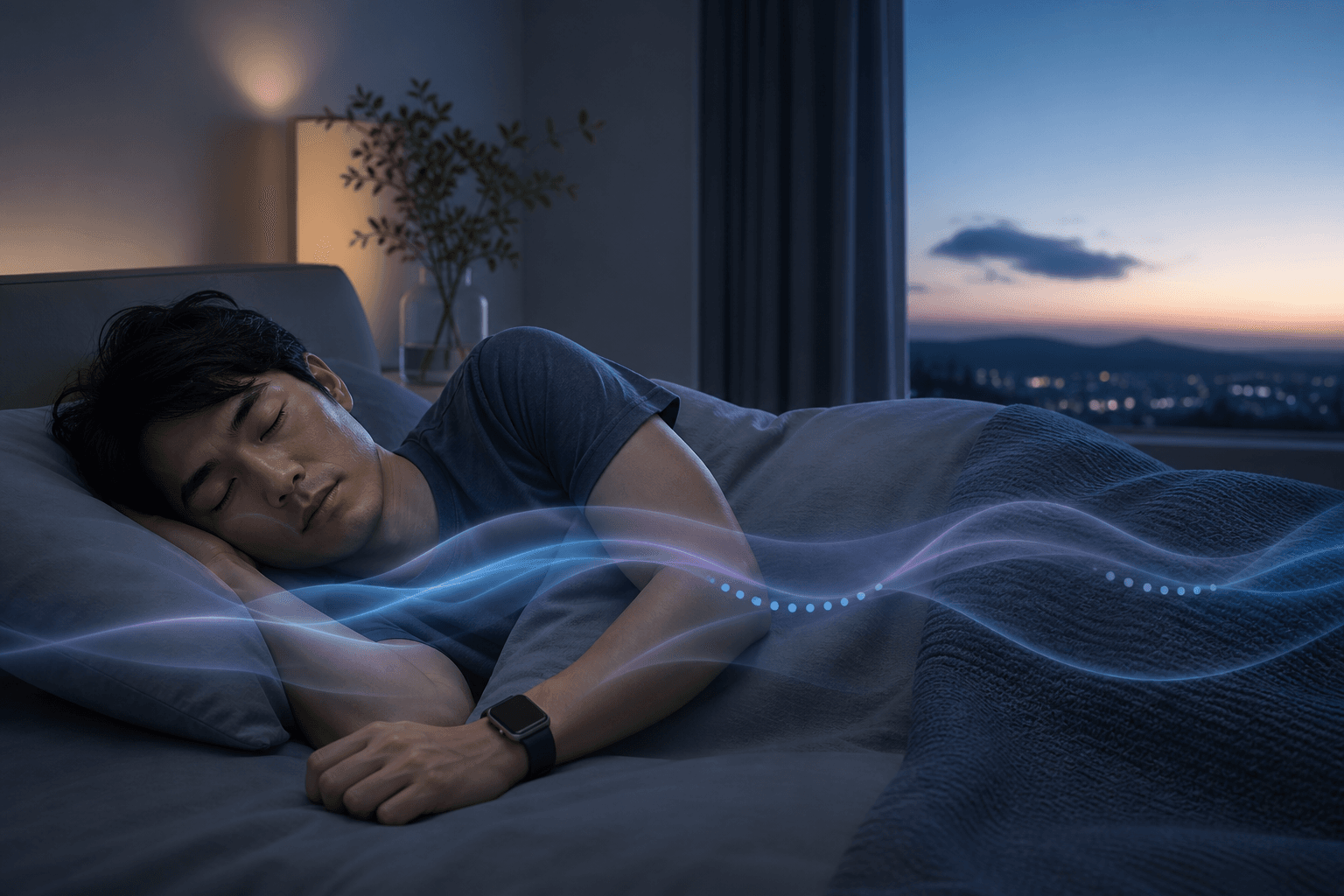
Apple Watch’s accelerometer detects small wrist movements during sleep. From those movements, it estimates possible temporary interruptions in your normal breathing pattern. This is the Breathing Disturbances metric.
The Japanese regulatory documentation describes it as the estimated number of temporary breathing interruptions per hour of sleep. Apple calls this the BD value. The nightly display classifies the result as Elevated or Not Elevated.
It is not a direct blood oxygen measurement or the number of breaths per minute. It is also not interchangeable with the apnoea–hypopnoea index (AHI) used in clinical sleep testing.
What Elevated, Not Elevated and No Data mean
Many people may experience some breathing disturbances in a night. One Elevated result does not establish that you have sleep apnoea.
Sleep position, alcohol, nasal or throat symptoms during a cold, and some medications may be relevant. The display alone cannot identify the cause.
- Elevated: more breathing disturbances were estimated that night
- Not Elevated: the night did not meet the Elevated classification
- No Data: there was insufficient usable data to assess that night
Respiratory rate, breathing disturbances and notifications are different
Their names sound similar, but they examine different things over different periods.
- Sleeping respiratory rate: estimated breaths per minute during sleep
- Breathing Disturbances: estimates how often wrist movement suggests a temporary breathing interruption
- Sleep apnoea notification: sent when 30 days of data show patterns suggesting possible sleep apnoea
- Clinical testing: examines breathing, oxygen, heart rate, sleep and other signals to support diagnosis
If one night is Elevated
Review the circumstances that night
Note sleep position, alcohol, nasal or throat symptoms, different medication and sleep duration. Do not stop prescribed medication on your own.
Check fit
Wear Apple Watch with its back touching your wrist, neither too tight nor too loose.
Keep recording on subsequent nights
Do not identify a diagnosis or cause from one night. Review the pattern over several weeks to 30 days.
Seek advice for symptoms regardless of the display
If you snore heavily, someone reports breathing pauses during sleep, or daytime sleepiness affects work or driving, consult a clinician without waiting for a notification.
What to check for No Data
No Data is not a result saying that no breathing disturbances occurred. It can appear when the watch was not worn during sleep or usable sensor data could not be collected.
- Is Track Sleep with Apple Watch enabled?
- Have you set up a sleep schedule or Sleep Focus?
- Did you remove the watch during the night?
- Did the battery run out?
- Is the band suitably fitted, with the back sensor touching your wrist?
- Are you using a compatible Apple Watch and current watchOS?
Compatible models and notification setup
As of August 2026, supported models included Apple Watch Series 9 or later, Apple Watch Ultra 2 and Apple Watch SE 3. Current watchOS is required. The feature is intended for people aged 18 or older who have not already been diagnosed with sleep apnoea.
Enable sleep tracking
Set up Sleep in iPhone Health and turn on Track Sleep with Apple Watch.
Open the Respiratory category
In iPhone Health, go to Browse/Search → Respiratory.
Set up notifications
Tap Set Up below Sleep Apnea Notifications, confirm age and diagnosis history, then follow the instructions.
Wear the watch for at least 10 nights
Sleep wearing Apple Watch on at least 10 nights within 30 days. Data is analysed every 30 days.
If notified, take the report to a clinician
A notification is sent when elevated disturbances across multiple nights suggest possible moderate-to-severe sleep apnoea. This does not confirm a diagnosis.
After a notification, you can export a detailed PDF report from Health to share with a clinician. Diagnosis requires testing, such as a home sleep apnoea test or polysomnography. Polysomnography records breathing, oxygen, sleep state and other signals throughout a night.
Even without a notification, consult a clinician for repeated heavy snoring, pauses in breathing, waking gasping for air or marked daytime sleepiness. Do not continue driving if sleepiness impairs your ability to do so.
References
- Sleep apnea notifications on Apple Watch — Apple Support
- Apple Sleep Apnea Notification Feature: Japanese regulatory package insert — Pharmaceuticals and Medical Devices Agency (PMDA), Japan
- Sleep-related breathing disorders — National Center of Neurology and Psychiatry, Japan