
The short answer
Wrist temperature shows the difference between your wrist skin temperature during sleep and your personal baseline. +0.4°C means that night was 0.4°C above your usual wrist value. Check for fever with a thermometer; do not judge illness from Apple Watch alone.
Key points
- This is wrist skin temperature, not body temperature measured with a thermometer
- A change in °C is relative to your own baseline, not a general normal value
- Establishing a baseline takes about five nights with at least four hours of sleep tracking each night
- Alcohol, exercise, bedroom conditions, menstrual cycle and health can affect it
- For missing data, check model compatibility, sleep settings, wear time and fit
Wrist temperature measures skin temperature while you sleep
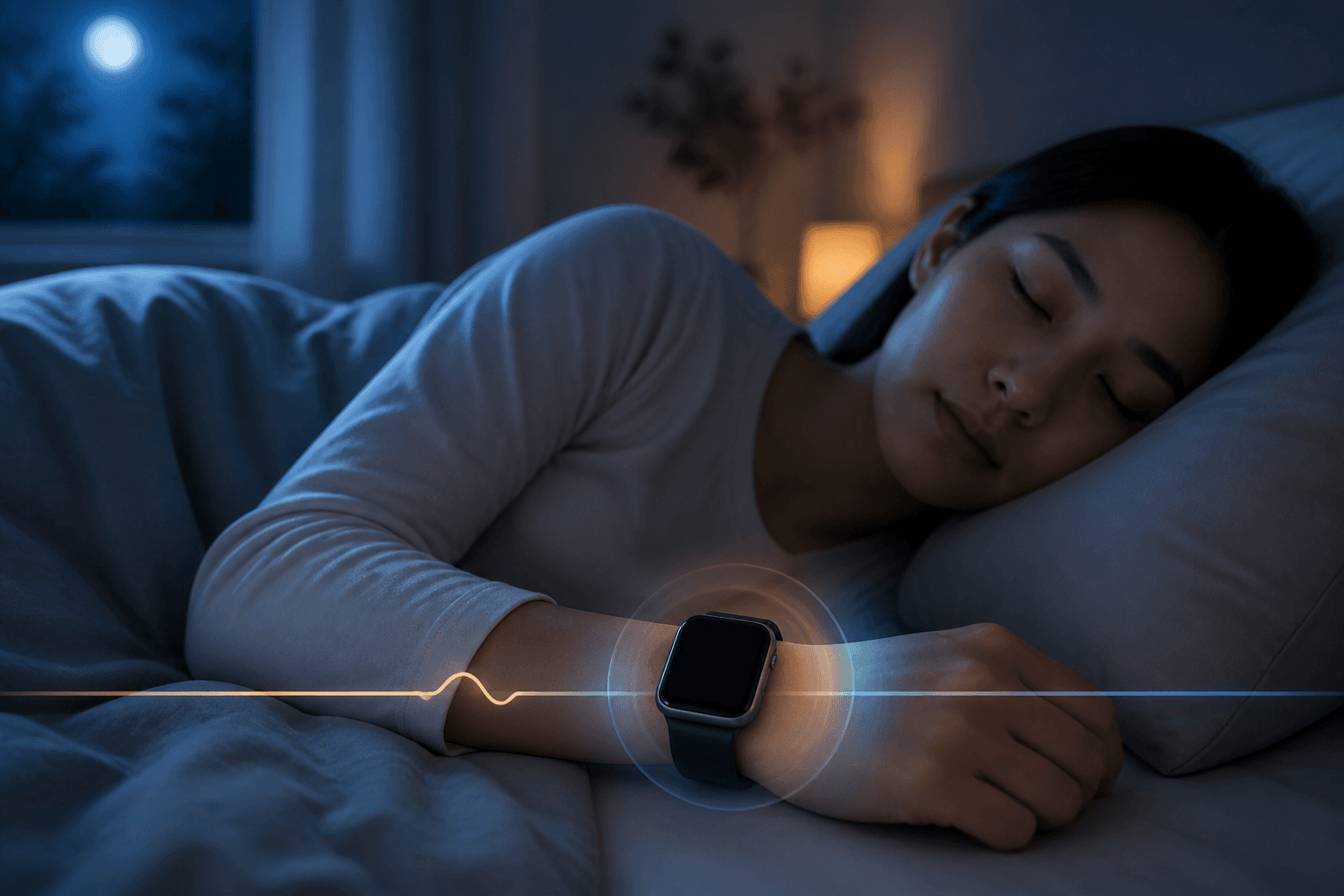
Apple Watch records skin temperature around the wrist during sleep. Compatible models have temperature sensors on the back and beneath the display. They sample temperature every five seconds during sleep and calculate a nightly value.
This is not a feature for taking your current body temperature during the day. It is a measure for reviewing changes from night to night.
A change from baseline means a change from your usual value
After about five nights of sleeping with Apple Watch, your usual wrist temperature forms a baseline. The display then shows how much the temperature rose or fell relative to that baseline rather than the absolute temperature.
For example, +0.4°C means your wrist temperature that night was 0.4°C above your baseline. It does not mean your body temperature was 0.4°C above normal or measured 37.4°C.
This baseline is neither an average for people your age nor a clinical normal range. Review your own weeks of readings rather than comparing with relatives or social media.
A thermometer measures a different place for a different purpose
Skin temperature and internal body temperature do not always change together. Skin blood flow and room conditions can change skin temperature alone.
A high wrist temperature therefore cannot establish fever, and a low reading cannot rule it out.
- Thermometer: measures body temperature at a specified site, such as the armpit, mouth or ear, at that moment
- Wrist temperature: summarises skin temperature during sleep and shows its difference from your baseline
- Thermometer: helps you check for fever
- Wrist temperature: helps you review nightly changes and personal patterns
If it is higher or lower, review the previous night
Wrist temperature can change for many reasons. Apple describes nightly effects from meals, exercise, alcohol, bedroom environment, menstrual cycle and illness.
Do not infer the cause from the number alone. Consider what was different that night.
- Alcohol or a late meal
- More intense exercise than usual
- Changes in bedroom temperature, bedding or clothing
- Changes associated with the menstrual cycle
- Feeling unwell, feverish or in pain
- A different watch position or band tightness
Six checks when data is missing
Check model compatibility
Wrist temperature is available on Apple Watch Series 8 or later, all Apple Watch Ultra models and Apple Watch SE 3.
Enable sleep tracking
Set up Sleep and check that Track Sleep with Apple Watch is turned on.
Record for at least four hours each night
To establish the baseline, sleep with Sleep Focus enabled for at least four hours per night for about five nights.
Check a “More Data Needed” message
This may appear when first using the feature or after replacing your watch. A new watch also needs about five nights to establish its own baseline.
Wear the watch comfortably and securely
A loose band may prevent consistent skin contact and affect the data.
Check privacy settings
In Privacy in the iPhone Watch app, check that Wrist Temperature has not been turned off.
Where to find wrist temperature on iPhone
Open Health
Open the Health app on your iPhone.
Go to Body Measurements
Tap Browse/Search at the bottom, then choose Body Measurements.
Open Wrist Temperature
Switch between day, week, month or six-month views to review a pattern rather than one reading.
If you feel feverish, use a thermometer
If you feel feverish, shivery or fatigued, do not convert the Apple Watch change into body temperature. Use a thermometer correctly to check.
Consult a healthcare professional if symptoms or abnormal temperature persist. For severe breathlessness, chest pain or altered awareness, use local emergency or medical services without waiting for the next day’s watch record.
References
- Track your nightly wrist temperature changes with Apple Watch — Apple Support
- Track your overnight vitals with Apple Watch — Apple Support
- Periocular skin warming elevates distal skin temperature without affecting core body temperature — Scientific Reports
More in the Feelmo guide
Basic Apple Watch setupRead your own usual rangeWhat to check when data is missing